Your next
on-camera self.
Live characters. Personal video. A place to shape how you show up — and keep your creative work together.
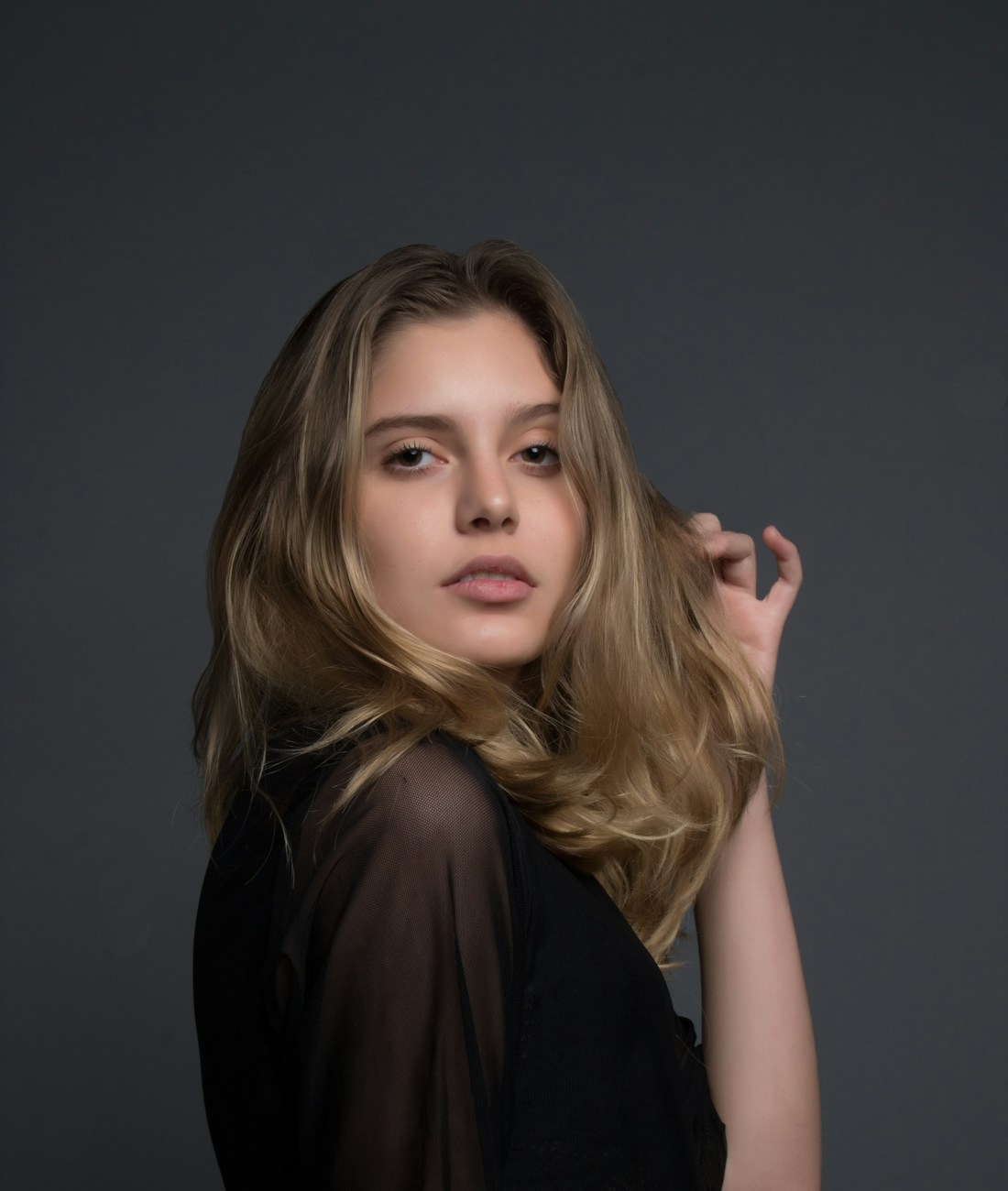 PORTRAIT REFERENCE
Maya
Stock reference preview. Live output appears after you connect a camera and an available processing service.
A starting point
for every idea.
Choose a reference. Set a direction. Review the result in your workspace.
Photo to video
Give a still portrait a little movement and a whole new story.
Video message
Create a personal message from a portrait, script, and voice.
Video face swap
Explore a new character in a video you have permission to use.
Video editor
Describe a thoughtful change to your uploaded video in everyday words.
Video restyle
Try a different visual direction for your video while keeping the movement.
Animate
Turn an idea, character, or illustration into a moving moment.
A considered
creative process.
Build your library
Save your own likeness, an original character, or a reference you have permission to use.
Choose your direction
Open a live mode or a photo and video tool. Add the references and instructions your idea needs.
Make it ready to share
Follow processing in your workspace, review the output, and download the finished file.
Your character.
Your familiar apps.
The desktop workflow connects your live session to calls, streams, and communities through a virtual camera.
Downloads appear when a supported release is available.
Your camera & character
Veyra Live
Compatibility depends on your desktop release, operating system, and calling app.
LIVE MODES
Four ways to work with your character in the live studio.
Face swap
Step into a different character while your own movement leads the way.
Live restyle
Bring an illustrated, cinematic, or entirely unexpected look to your camera.
Virtual try-on
Explore a new look in a live creative session with a supported provider.
AI companion
Experiment with a character-led experience in your private workspace.
Choose your
creative time.
Compare live minutes and plan features. Your account keeps track of the time you use.
A little room to explore.
- 15 live minutes per month
- All 4 creative modes
- Saved character library
- Usage dashboard
For ideas that keep coming.
- 40 live minutes per month
- All creative modes
- Photo and video creation tools
- Usage and billing dashboard
More time. More possibilities.
- 110 live minutes per month
- All creative modes
- Photo and video creation tools
- Extended creative workflows
Space for a bigger vision.
- 280 live minutes per month
- All creative modes
- Photo and video creation tools
- Higher volume workflows
Published plan estimates. Checkout confirms pricing and availability. Full pricing details
Before you
begin.
The practical questions about characters, live time, and getting connected.
01What is Veyra Live?+
Veyra Live is a creative workspace for character-based camera experiences and photo and video creation. You can manage characters, prepare a live session, and submit creations from the same account. Processing and live output become available when the required providers are connected.
02Can I use it with Zoom, Discord, or other apps?+
The desktop integration is designed to send output through a virtual camera. You would select that camera in a supported calling or streaming app. A desktop installer is shown only when a release has been configured; check the desktop page for current availability.
03Do I need a powerful computer?+
Veyra Live uses a provider-based processing architecture. Your local requirements depend on the desktop release and the selected live provider. A modern browser, a camera, and a stable connection are a good starting point; release-specific requirements appear alongside an available download.
04Can I upload my own character?+
Yes. Create an account and add a portrait to your character library. You must own the image or have permission from the person depicted, and confirm their consent before saving it. Character uploads are private to your account.
05How are live minutes counted?+
Live minutes are charged from authenticated processing events. Your browser timer does not determine billing. Your dashboard shows your actual balance and recorded usage, and sessions cannot spend more than the available balance.
Ideas in
practice.
Your first live session, made simple.
A small checklist for a better camera, a clearer reference, and a more comfortable first session.
Read the storyOne photo. A whole new story.
Think in moments, not just prompts. Build a portrait concept that has somewhere to go.
Read the storyBetter creativity starts with consent.
A practical approach to permissions, transparency, and your character library.
Read the storyMake your next
appearance.
Bring your characters, references, and creative work into one workspace.
Get started